Features in detail.
A closer look at what makes an AtlaRoom tour useful in a real listing — from orientation and rich content to enquiries, links and how the finished viewing is shared.
01
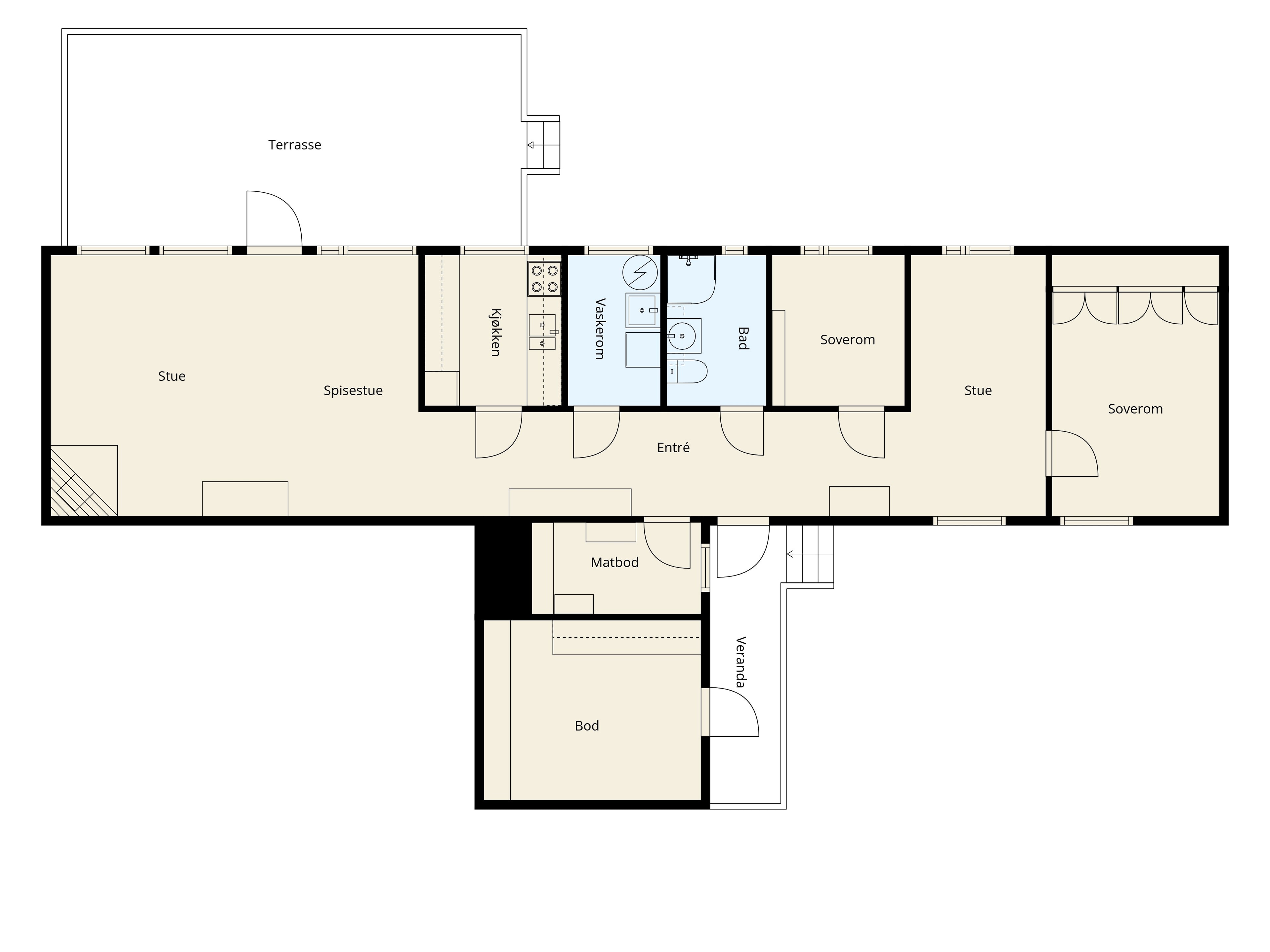
Floor plan with field of view
Give every visitor an instant sense of where they are in the property.
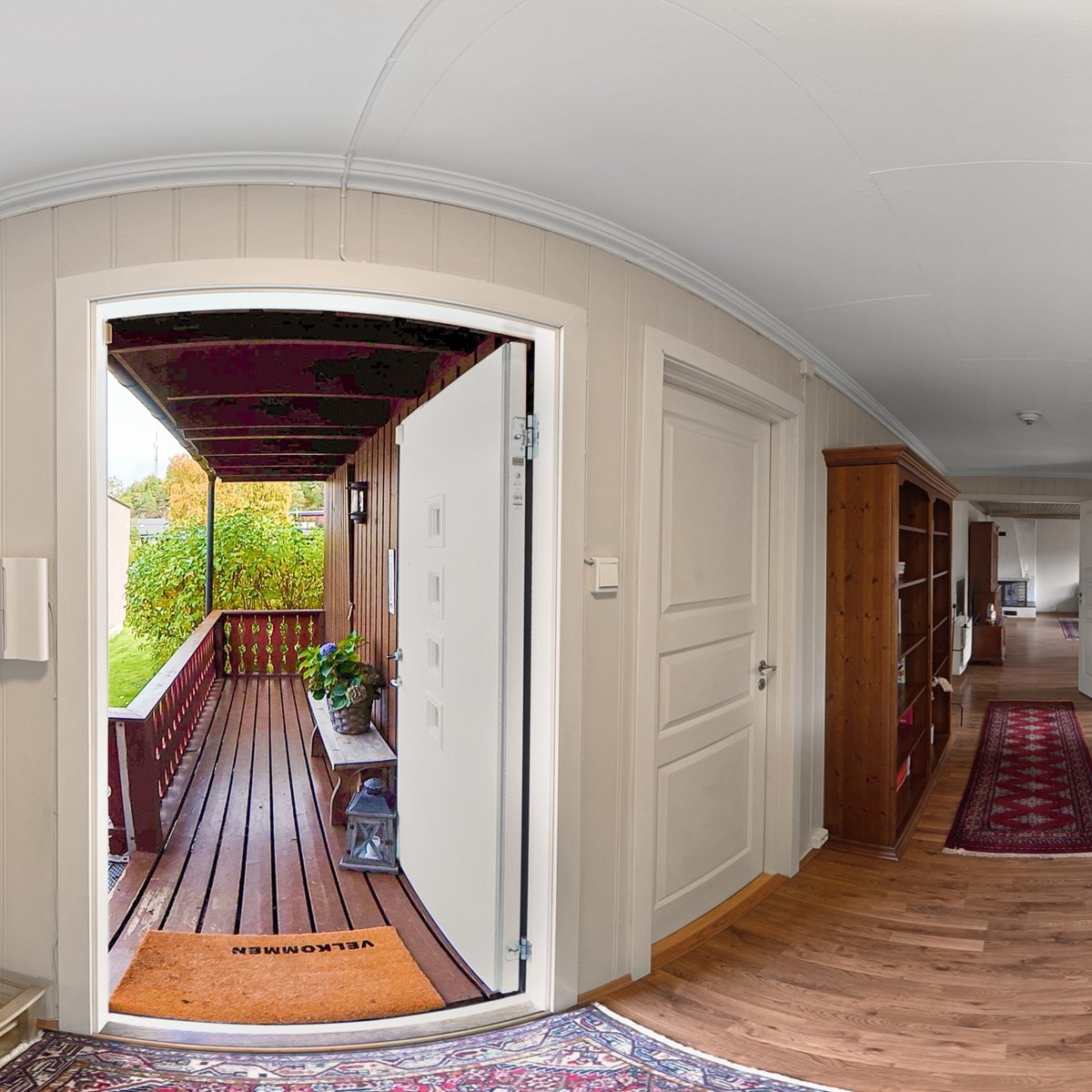
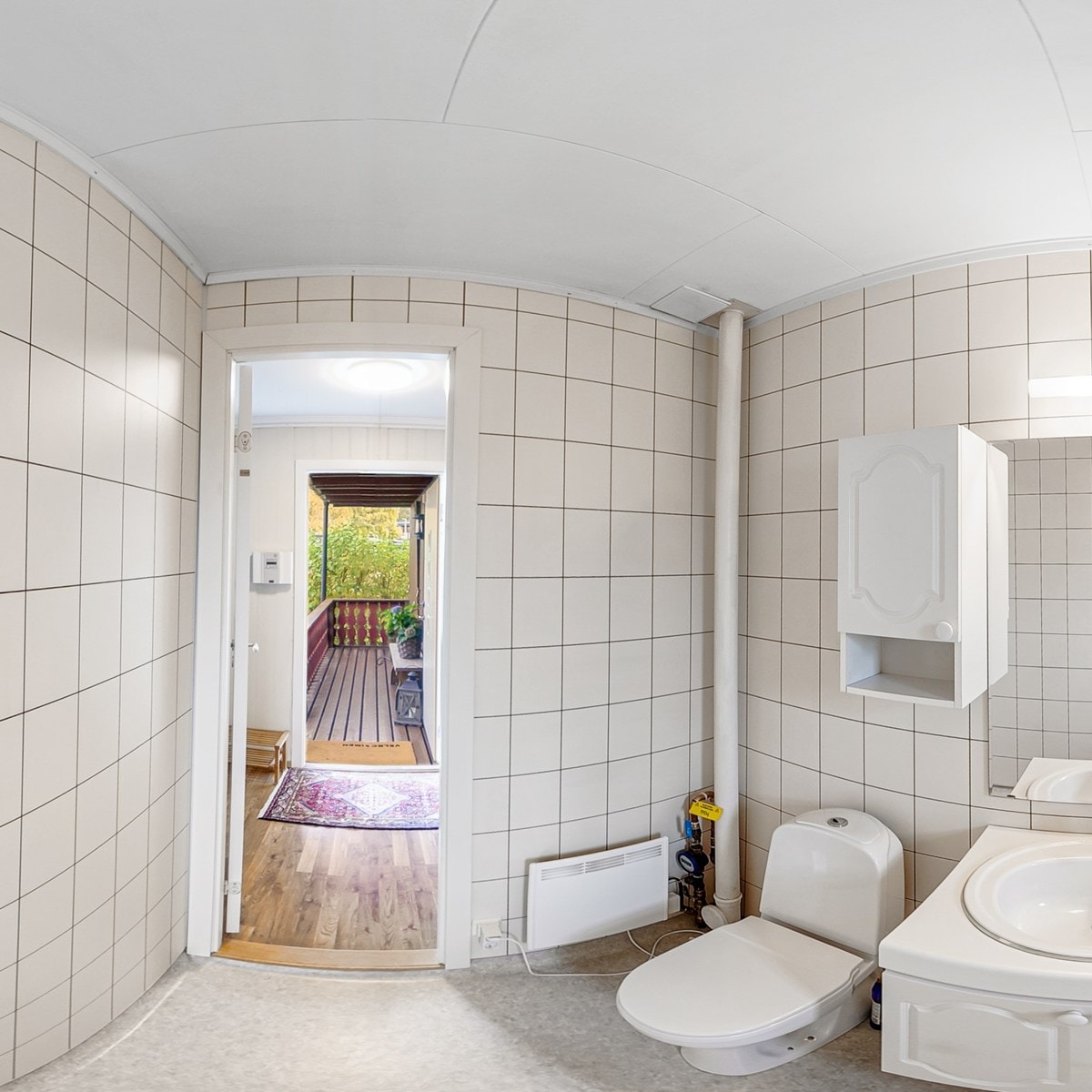
A live floor plan sits alongside the 360° view. As someone moves between rooms, their position updates on the plan, and a field-of-view cone shows which way they are looking. That removes the most common confusion in virtual tours — getting lost between spaces — and makes larger homes far easier to understand.
- Current position marked on the plan
- View direction shown as a live cone
- Switch floors when a property has more than one level
- Open the plan larger for a clearer overview
02
Text, images and video
Explain what photos alone cannot, without leaving the walkthrough.
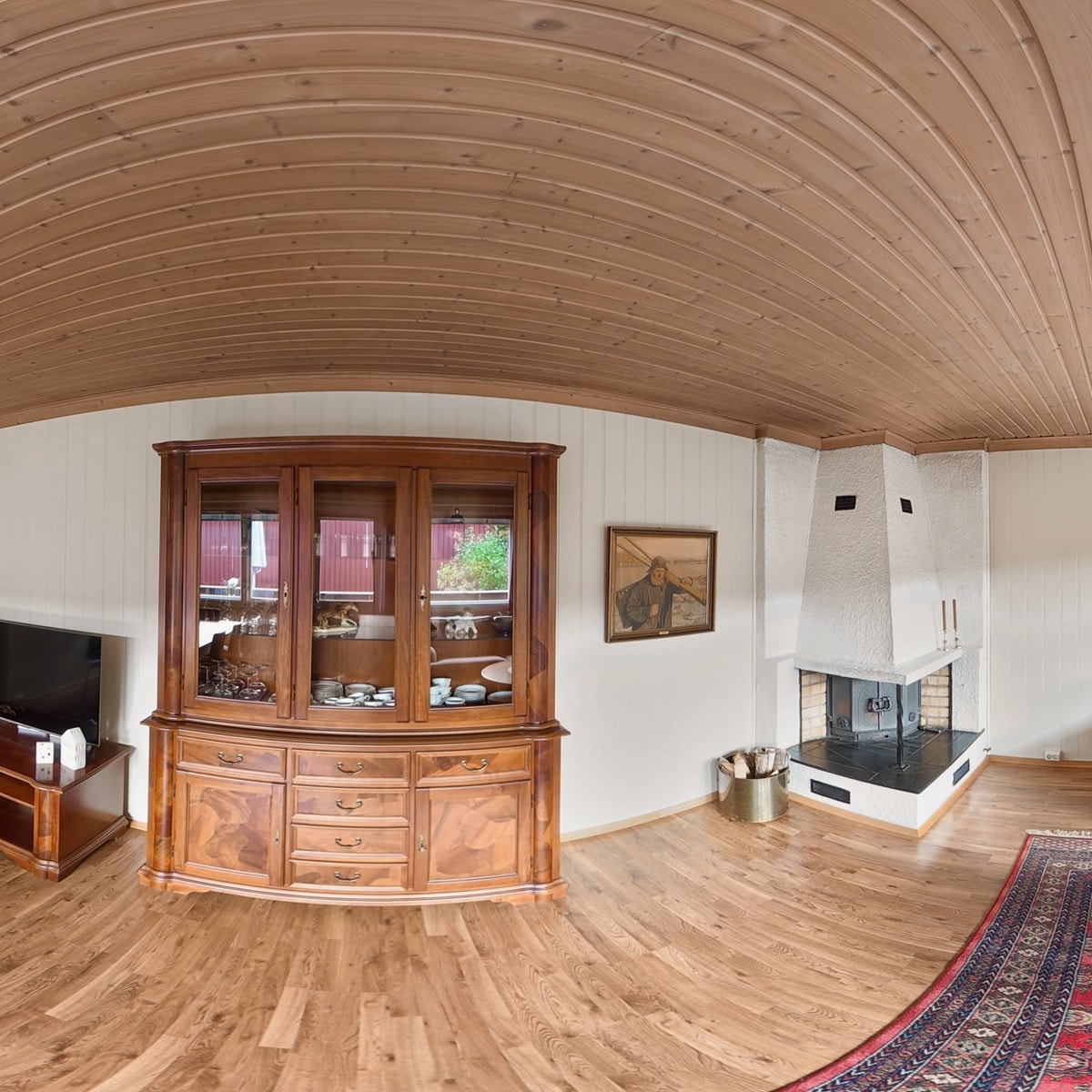
Info points can be placed directly in the 360° scene. Open one to show a short text note, a still image, or a YouTube video — useful for materials, appliances, outdoor details, neighbourhood context or anything a buyer should notice. The tour stays interactive; the extra detail is available when someone wants it.
- Text boxes for room notes and selling points
- Images for close-ups and supporting photos
- YouTube video for walkthroughs or extra context
- Hotspots visible in the scene so viewers know where to tap
03
Contact form
Turn interest in the tour into a concrete enquiry.
A contact form can live inside the viewing, so serious visitors can reach out while the property is still on screen. Submissions go to the enquiry email you choose for that project — no separate lead tool required for a first conversation.
- Form available from within the published tour
- Enquiries delivered to your chosen email
- Keeps the conversation tied to that specific property
- Viewers do not need an account to send a message
04
External links and info
Connect the tour to the rest of the listing.
Add property information and outbound links so viewers can continue to a listing page, brochure or other details when they are ready. The presentation stays the centre of attention, while deeper reading is one step away.
- Property information panel inside the tour
- Links out to listings and supporting pages
- Useful for agents, photographers and sellers alike
- Keeps extra reading optional, not forced
05
Embed and page styling
Place the tour on your own website, shaped to fit the page.
Once a project is published, you can put the viewing directly on a listing page or landing site. The tour plays in place, so visitors stay on your page. How wide it sits, how tall it feels on mobile, and whether the corners are sharp or soft is up to the surrounding layout — so the presentation can look native to the site around it.
- Shows the tour on your website or landing page
- Width and height adapt to the space you give it
- Corners and framing follow your site's look
- Works on desktop and phone without a separate app
The studio behind the viewing.
Features inside the tour only matter if publishing and management stay clear. AtlaRoom keeps that side of the work straightforward.
01
All projects in one studio
Create and manage every tour from a single workspace. Search and status help you find drafts, published projects and work in progress without jumping between tools.
02
Hosting you control
A published tour stays online while its hosting period is active. When that period ends, the tour is unpublished. Renew hosting to make it public again — nothing runs as a silent monthly subscription.
03
Simple for viewers
People who open your tour never need an account. They use the link, QR code or embed you share. A password is required only when you turn protection on for that project.
Free to create. Publish from $35.
Build and preview drafts at no cost. Pay for hosting only when you publish a public link — no subscription.
- Free to create and preview drafts
- From $35 to publish a project
- No monthly commitment
Create when you need to. Pay when you do.
Professional virtual tours, without the monthly commitment. Free to create. Pay to publish. Join the waitlist to hear when signup opens.